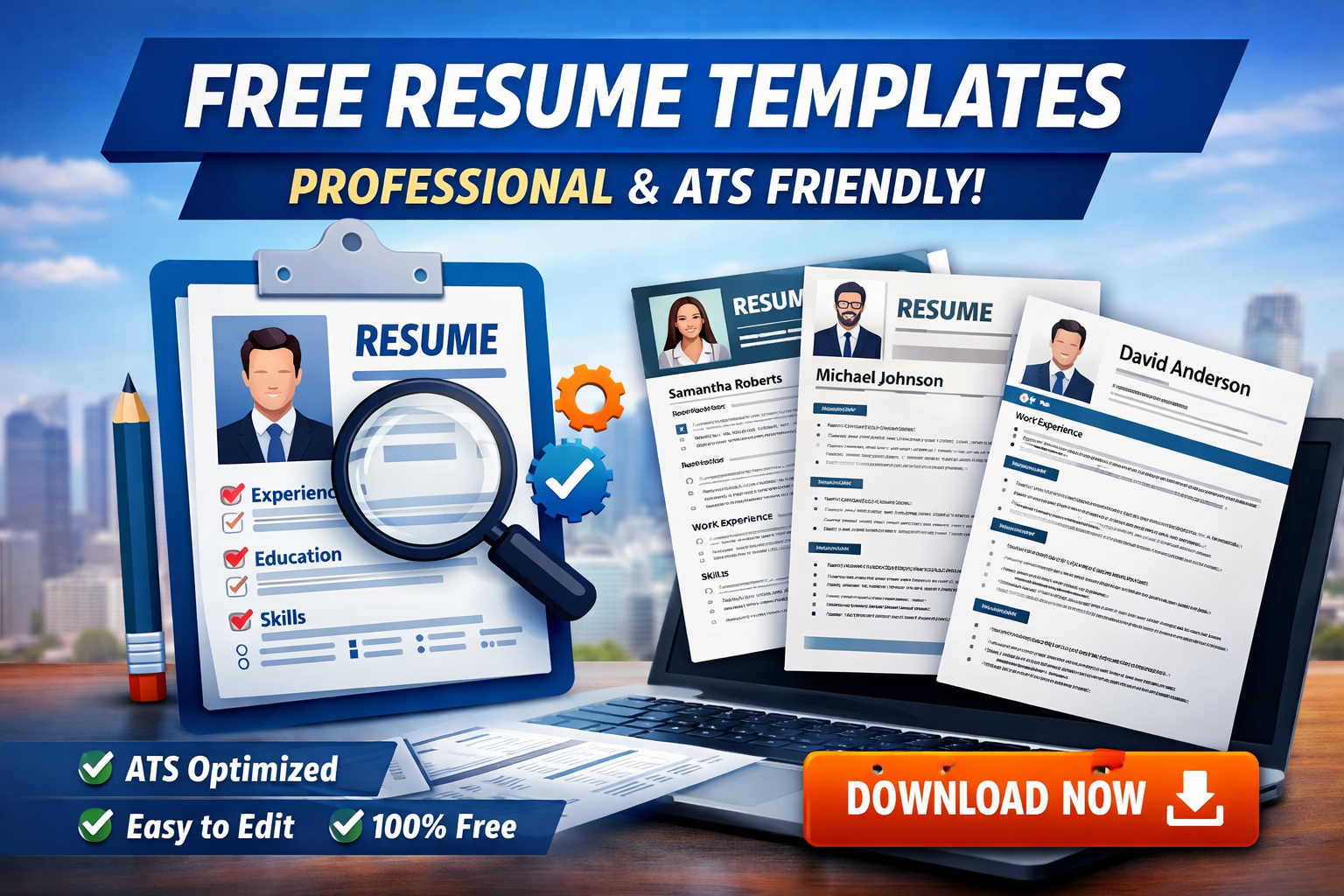
Free Resume Templates (Professional + ATS Friendly)
📄 Free Resume Templates (Professional + ATS Friendly)
Looking to land your dream job faster? A well-designed resume is your first impression—and using a professional, ATS-friendly resume template can significantly increase your chances of getting shortlisted.
In this guide, you’ll find free resume templates, tips, and trusted resources to help you create a powerful CV that stands out.
🚀 Why Use ATS-Friendly Resume Templates?
Most companies use Applicant Tracking Systems (ATS) to filter resumes before a human ever sees them.
✔ Benefits:
- Pass automated resume screening
- Clean and readable formatting
- Optimized keyword structure
- Professional layout for recruiters
👉 Learn more about ATS systems here:
🔗 https://www.indeed.com/career-advice/resumes-cover-letters/ats-resume
🎯 Features of a Professional Resume Template
A high-quality resume template should include:
- 📌 Clean and modern design
- 📌 Easy-to-read fonts
- 📌 Proper section hierarchy
- 📌 ATS compatibility (no complex graphics)
- 📌 Editable format (Word, Google Docs, or PDF)
🆓 Best Websites to Download Free Resume Templates
Here are some trusted platforms offering free resume templates:
1. Canva
Create visually appealing resumes with drag-and-drop editing.
🔗 https://www.canva.com/resumes/templates/
2. Novoresume
Professional and ATS-optimized templates for job seekers.
🔗 https://novoresume.com/resume-templates
3. Zety
Modern templates with guided resume building tools.
🔗 https://zety.com/resume-templates
4. Resume.io
Simple and effective templates for quick resume creation.
🔗 https://resume.io/resume-templates
5. Microsoft Office Templates
Classic and professional resume layouts for Word users.
🔗 https://templates.office.com/
📱 Mobile-Friendly Resume Tips
Many recruiters review resumes on mobile devices, so:
- Keep formatting simple
- Use bullet points for readability
- Avoid large images or graphics
- Stick to standard fonts like Arial or Calibri
✍️ How to Create a Winning Resume
Follow these steps:
1. Start with a Strong Summary
Highlight your skills and experience in 2–3 lines.
2. Use Keywords
Match your resume with the job description.
3. Highlight Achievements
Use numbers and results instead of generic tasks.
4. Keep It Short
1 page for freshers, 1–2 pages for experienced candidates.
📥 Free Resume Template Formats
Choose the format that suits your needs:
- 📝 Chronological Resume (Most common)
- 🔄 Functional Resume (Skills-based)
- 🔀 Combination Resume (Hybrid format)
💡 Pro Tips for Better Results
- Customize your resume for each job
- Use action verbs (e.g., Managed, Developed, Created)
- Avoid spelling mistakes
- Save your resume as PDF
📢 Final Thoughts
Using a free professional ATS-friendly resume template is one of the easiest ways to improve your job application success rate.
👉 Start building your resume today using the free resources above and take the first step toward your dream career!