Adobe Illustrator Shortcut Keys — 100+ Keyboard Shortcuts for Faster Design
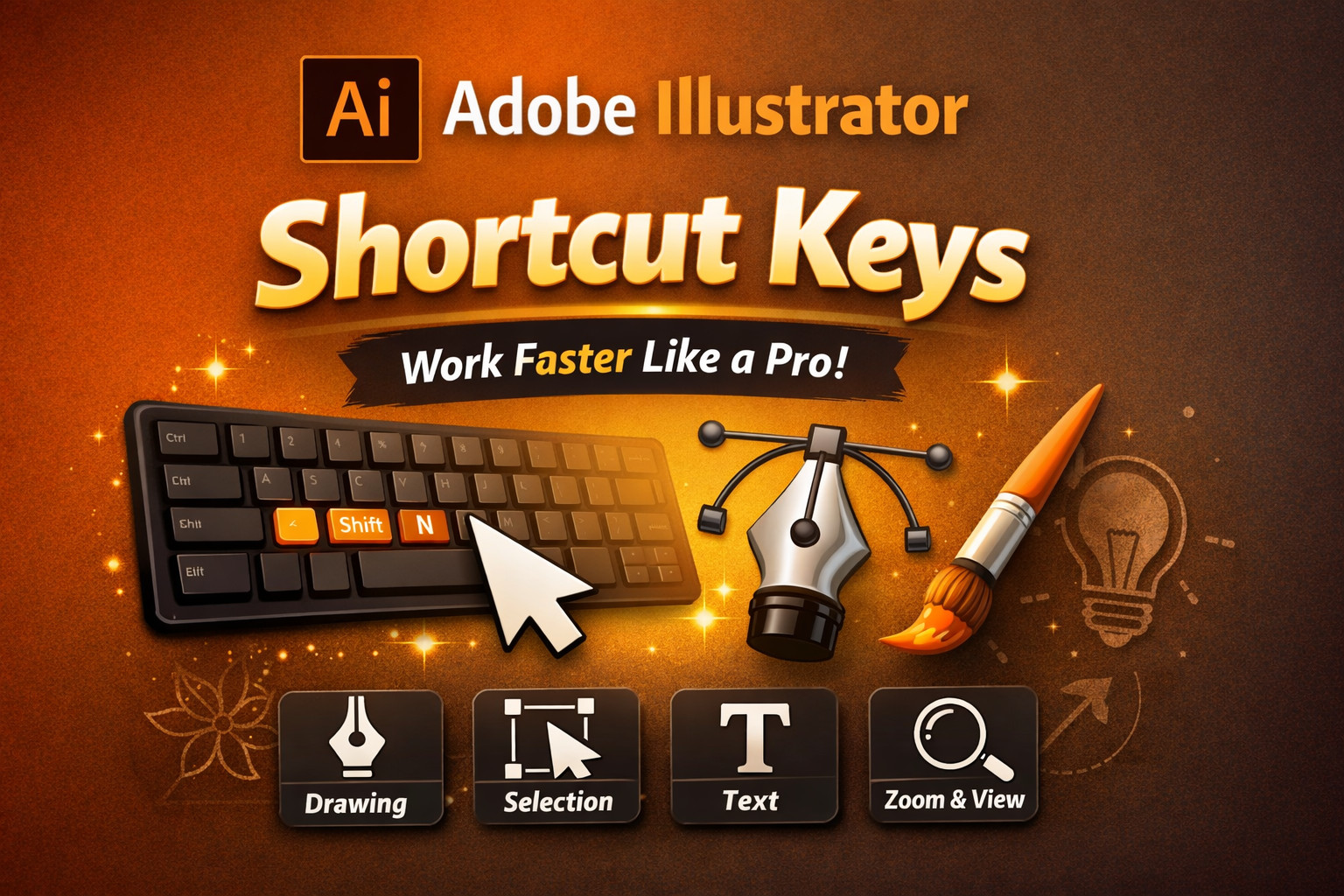
Adobe Illustrator Shortcut Keys — 100+ Keyboard Shortcuts for Faster Design
Stop clicking through menus. Master every essential Adobe Illustrator keyboard shortcut — from tools and editing to panels and navigation — and accelerate your entire creative workflow.
If you are a graphic designer, learning Adobe Illustrator shortcut keys can dramatically improve your design speed and workflow. Instead of navigating through multiple menus and tool panels, shortcut keys allow you to perform common tasks instantly using simple keyboard combinations.
Whether you are creating logos, vector illustrations, icons, or digital artwork, mastering these shortcuts can save valuable time and make your work more efficient. Professional designers rely on keyboard commands to maintain a smooth, focused creative process — and now you can too.
Basic File Shortcuts
6 shortcuts| Shortcut | Function |
|---|---|
Ctrl+N | New Document |
Ctrl+O | Open File |
Ctrl+S | Save |
Ctrl+Shift+S | Save As |
Ctrl+P | |
Ctrl+Q | Quit Illustrator |
Edit Shortcuts
9 shortcuts| Shortcut | Function |
|---|---|
Ctrl+Z | Undo |
Ctrl+Shift+Z | Redo |
Ctrl+C | Copy |
Ctrl+X | Cut |
Ctrl+V | Paste |
Ctrl+F | Paste in Front |
Ctrl+B | Paste in Back |
Ctrl+G | Group Selection |
Ctrl+Shift+G | Ungroup Selection |
Selection Tools
4 shortcuts| Shortcut | Tool |
|---|---|
V | Selection Tool |
A | Direct Selection Tool |
Y | Magic Wand Tool |
Q | Lasso Tool |
Drawing Tools
7 shortcuts| Shortcut | Tool |
|---|---|
P | Pen Tool |
N | Pencil Tool |
B | Brush Tool |
Shift+B | Blob Brush Tool |
L | Ellipse Tool |
M | Rectangle Tool |
\ | Line Segment Tool |
Text & Type Tools
3 shortcuts| Shortcut | Function |
|---|---|
T | Type Tool |
Ctrl+T | Character Panel |
Ctrl+Shift+T | Touch Type Tool |
View & Zoom
5 shortcuts| Shortcut | Function |
|---|---|
Ctrl++ | Zoom In |
Ctrl+– | Zoom Out |
Ctrl+0 | Fit Artboard in Window |
Ctrl+1 | Actual Size (100%) |
Ctrl+Y | Outline / Preview View |
Panel Shortcuts
4 shortcuts| Shortcut | Panel |
|---|---|
F5 | Brushes Panel |
F6 | Color Panel |
F7 | Layers Panel |
Shift+F7 | Align Panel |
Helpful Extras & Power Shortcuts
8 shortcuts| Shortcut | Function |
|---|---|
Ctrl+D | Transform Again |
Ctrl+Shift+O | Create Outlines (text to vector) |
Ctrl+2 | Lock Selection |
Ctrl+Alt+2 | Unlock All Objects |
Ctrl+A | Select All |
Ctrl+Shift+A | Deselect All |
Ctrl+] | Bring Forward |
Ctrl+[ | Send Backward |