CorelDRAW Shortcut Keys
CorelDRAW Shortcut Keys: Boost Your Design Speed and Productivity
Work smarter, design faster. Discover the most useful CorelDRAW shortcut keys to speed up your workflow and improve productivity.
✨ Why Shortcut Keys Matter
CorelDRAW is one of the most popular tools for graphic designers, print professionals, and digital artists. Whether you are designing logos, banners, business cards, social media posts, or marketing materials, shortcut keys help you complete tasks much faster.
Instead of navigating through multiple menus, keyboard shortcuts allow instant access to essential tools and actions.
Key Benefits
- ⚡ Faster workflow
- 🎯 Better focus while designing
- ⏱️ Saves time on repetitive tasks
- 💼 Improves professional productivity
- 📱 Mobile-friendly readable layout
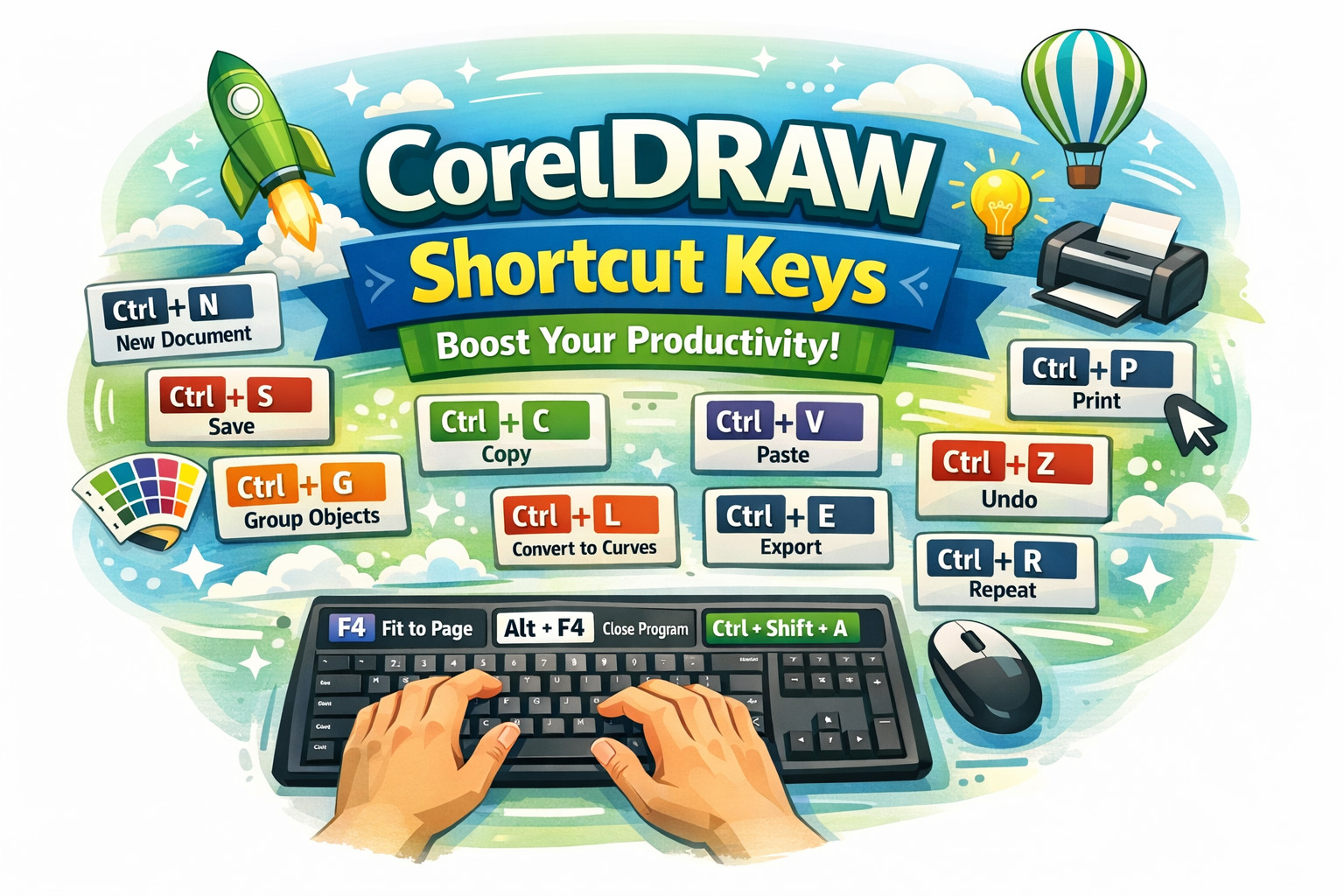
🚀 Essential CorelDRAW Shortcut Keys
File Management
- Ctrl + N → New document
- Ctrl + O → Open file
- Ctrl + S → Save file
- Ctrl + P → Print document
Editing Shortcuts
- Ctrl + C → Copy
- Ctrl + V → Paste
- Ctrl + X → Cut
- Ctrl + Z → Undo
- Ctrl + Y → Redo
- Delete → Remove selected object
Object Tools
- Ctrl + G → Group objects
- Ctrl + U → Ungroup objects
- Ctrl + D → Duplicate object
- Ctrl + Q → Convert to curves
- Ctrl + L → Combine objects
- Ctrl + K → Break apart
Zoom & Navigation
- F2 → Zoom in
- F3 → Zoom out
- F4 → Fit all objects
- Shift + F4 → Fit page to window
Text & Alignment
- Ctrl + T → Text formatting
- E → Center align
- L → Left align
- R → Right align
- C → Horizontal center
💡 Final Thoughts
Learning CorelDRAW shortcut keys can dramatically improve your speed and workflow. These shortcuts are especially useful for designers who work on projects daily and need a faster, smoother process.
Using these commands regularly will help you become more efficient and professional in your design work.
🔍 SEO Meta
Meta Title: CorelDRAW Shortcut Keys List – Improve Design Speed & Productivity
Meta Description: Discover the most useful CorelDRAW shortcut keys to boost your design speed, improve workflow, and increase productivity with easy keyboard commands.