Adobe After Effects Shortcut Keys – Complete Guide for Faster Editing (2026)
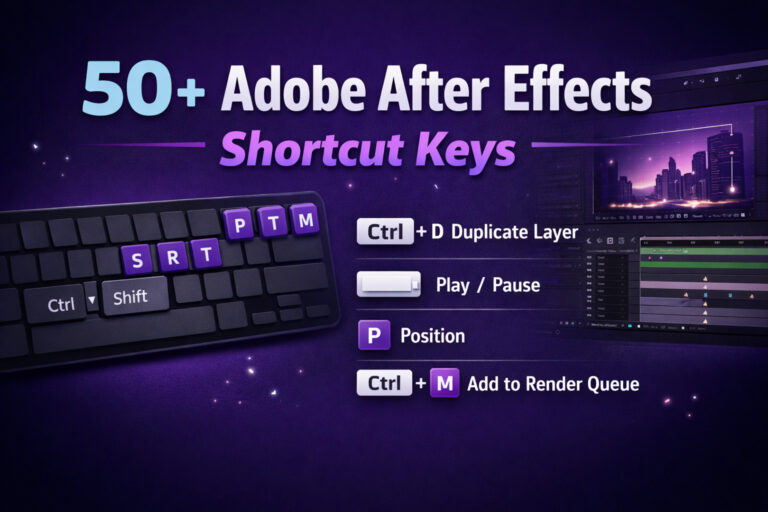
Adobe After Effects Shortcut Keys – Complete Guide for Faster Editing
If you work with motion graphics or video effects, mastering shortcuts in Adobe After Effects can significantly improve your productivity. Instead of navigating through menus and panels, keyboard shortcuts help you perform tasks quickly, making your animation and editing workflow smoother.
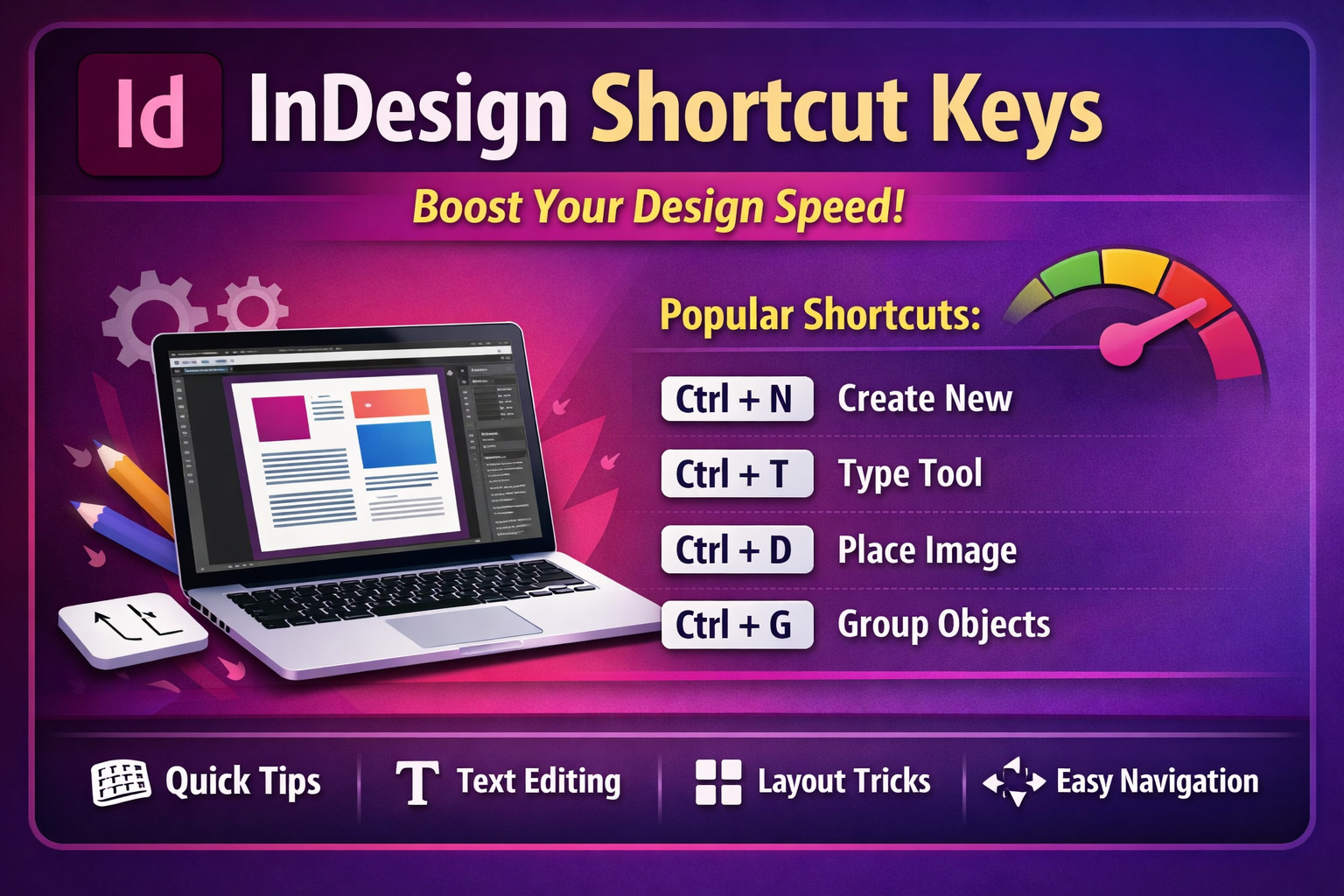
This SEO-friendly guide covers the most useful Adobe After Effects shortcut keys, practical tips, and additional resources to help beginners and professionals work faster.Adobe InDesign shortcuts
What is Adobe After Effects?
Adobe After Effects is a powerful motion graphics and visual effects software developed by Adobe. It is widely used for:
- Motion graphics
- Visual effects (VFX)
- Video compositing
- Title animations
- YouTube intro creation
- Film and television post-production
Designers often combine it with tools like Adobe Premiere Pro for video editing and Adobe Photoshop for graphic design.
Why Shortcut Keys Are Important in After Effects
Learning shortcut keys helps you:
⚡ Work faster on complex animations
⏱ Save time during editing and rendering
🎬 Improve workflow efficiency
🧠 Focus more on creativity rather than menus
Professional motion designers rely heavily on shortcuts to speed up their editing process.
Basic Adobe After Effects Shortcut Keys
These shortcuts are used frequently when working on projects.
| Shortcut | Function |
|---|---|
| Ctrl + N | Create New Composition |
| Ctrl + O | Open Existing Project |
| Ctrl + S | Save Project |
| Ctrl + Shift + S | Save As |
| Ctrl + Z | Undo |
| Ctrl + Shift + Z | Redo |
| Ctrl + Q | Quit Application |
Timeline Navigation Shortcuts
Timeline control is essential for animation and compositing.
| Shortcut | Function |
|---|---|
| Spacebar | Play / Pause Preview |
| Home | Go to Beginning of Timeline |
| End | Go to End of Timeline |
| Page Up | Move One Frame Back |
| Page Down | Move One Frame Forward |
| J | Jump to Previous Keyframe |
| K | Jump to Next Keyframe |
Layer Control Shortcut Keys
Layer manipulation is one of the most common tasks in Adobe After Effects.Adobe Illustrator Shortcut keys
| Shortcut | Function |
|---|---|
| Ctrl + D | Duplicate Layer |
| Ctrl + Shift + D | Split Layer |
| Ctrl + [ | Move Layer Back |
| Ctrl + ] | Move Layer Forward |
| Ctrl + Shift + [ | Send Layer to Back |
| Ctrl + Shift + ] | Bring Layer to Front |
Transform Property Shortcut Keys
These shortcuts instantly reveal layer properties.
| Shortcut | Property |
|---|---|
| P | Position |
| S | Scale |
| R | Rotation |
| T | Opacity |
| A | Anchor Point |
| U | Show Animated Properties |
| UU | Show Modified Properties |
These are among the most commonly used shortcuts by motion designers.
Preview Shortcut Keys
Preview shortcuts allow you to check animations without rendering.
| Shortcut | Function |
|---|---|
| 0 (NumPad) | RAM Preview |
| Shift + 0 | Audio Preview |
| . (NumPad) | Audio Only Preview |
Composition Shortcut Keys
These shortcuts help manage compositions more efficiently.
| Shortcut | Function |
|---|---|
| Ctrl + K | Composition Settings |
| Ctrl + Alt + N | New Composition |
| Ctrl + Alt + Shift + N | New Folder |
Mask and Shape Layer Shortcuts
Masks and shapes are widely used for motion graphics.
| Shortcut | Function |
|---|---|
| G | Pen Tool |
| Q | Shape Tool |
| F | Mask Feather |
| M | Mask Path |
| MM | Show All Mask Properties |
Useful Rendering Shortcuts
Rendering shortcuts help export your final video faster.
| Shortcut | Function |
|---|---|
| Ctrl + M | Add to Render Queue |
| Ctrl + Alt + M | Add to Adobe Media Encoder |
Projects are often exported through Adobe Media Encoder for better format compatibility.
Pro Tips to Master After Effects Faster
1. Practice Shortcuts Daily
Try using shortcuts instead of menus during editing.
2. Use Keyboard Shortcut Editor
You can customize shortcuts inside Adobe After Effects to match your workflow.
3. Combine Tools with Other Adobe Software
Motion designers often combine After Effects with:
- Adobe Premiere Pro
- Adobe Photoshop
- Adobe Illustrator
This combination allows faster production of professional graphics and videos.
4. Memorize Property Shortcuts
Keys like P, S, R, T are used constantly when animating layers.
External Resources to Learn More
You can explore official documentation and tutorials here:
- Adobe Keyboard Shortcut Reference
https://helpx.adobe.com/after-effects/using/keyboard-shortcuts-reference.html - Official After Effects Product Page
https://www.adobe.com/products/aftereffects.html - Motion Design Tutorials
https://www.schoolofmotion.com - Video Learning Tutorials
https://www.videocopilot.net
Conclusion
Learning Adobe After Effects shortcut keys is one of the best ways to improve your editing speed and animation workflow. Whether you are creating YouTube intros, social media animations, or professional visual effects, shortcuts help you work faster and more efficiently.
By practicing these shortcuts regularly in Adobe After Effects, you can save time, increase productivity, and focus more on creative storytelling.