Adobe Express Shortcut Keys – Complete List for Faster Design (2026)
Adobe Express Shortcut Keys – Complete List to Work Faster (2026 Guide)
Introduction
Adobe Express is a powerful online design tool developed by Adobe that allows users to create social media graphics, presentations, posters, videos, and more.adobe express guide
Using Adobe Express shortcut keys can significantly increase your productivity and make designing faster and easier.Adobe InDesign shortcuts
In this guide, you’ll learn the most useful Adobe Express keyboard shortcuts that designers, bloggers, and content creators use to save time.
Why Use Adobe Express Shortcut Keys?
Using keyboard shortcuts helps you:
✅ Work faster
✅ Improve design workflow
✅ Reduce mouse usage
✅ Boost productivity
✅ Create content more efficiently
If you regularly create graphics or social media posts, learning these shortcuts will save hours of work every week.Adobe InDesign shortcuts
Most Useful Adobe Express Shortcut Keys
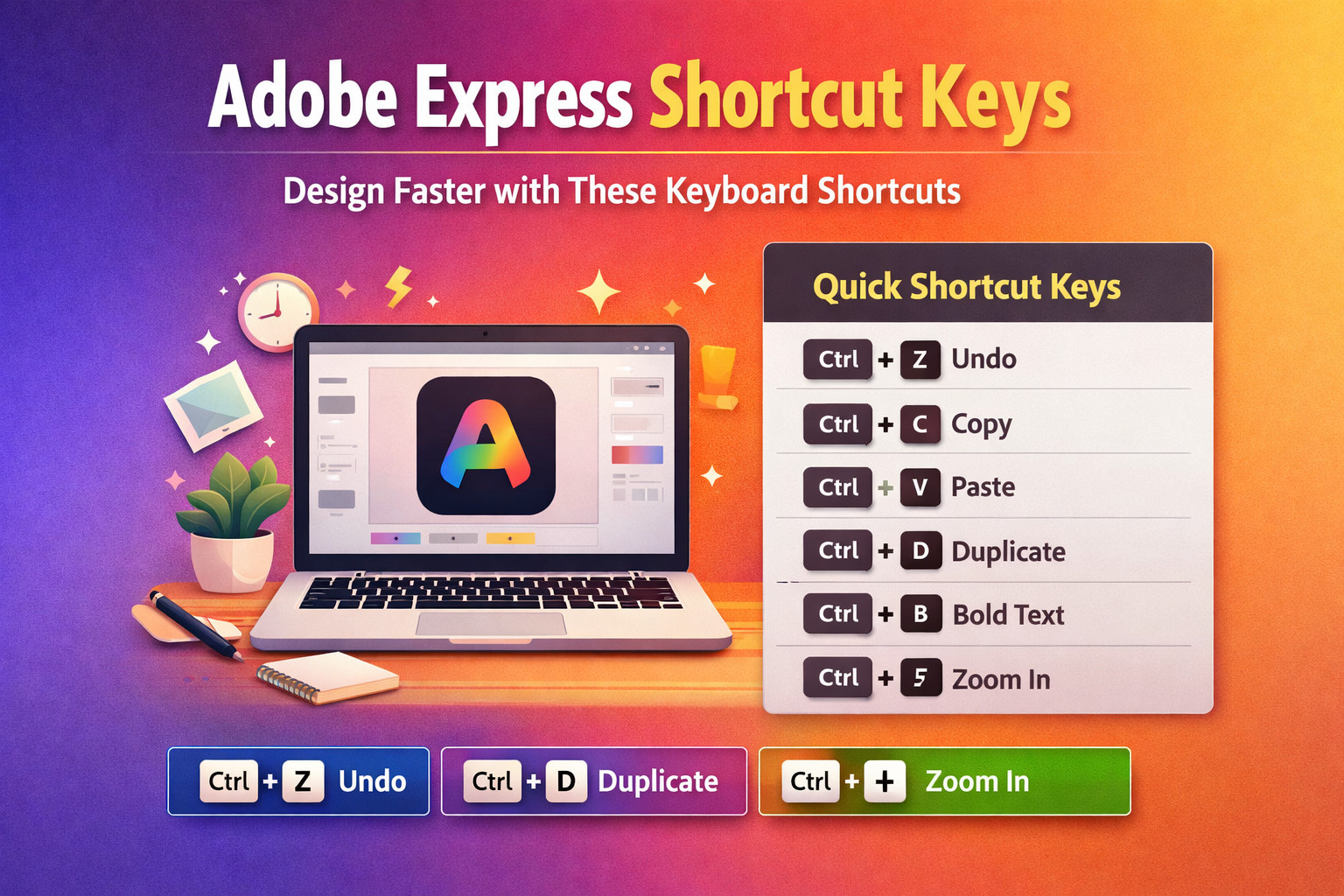
| Shortcut Key | Action |
|---|---|
| Ctrl + Z | Undo last action |
| Ctrl + Shift + Z | Redo action |
| Ctrl + C | Copy element |
| Ctrl + V | Paste element |
| Ctrl + X | Cut element |
| Ctrl + A | Select all elements |
| Ctrl + D | Duplicate object |
| Delete / Backspace | Delete selected item |
| Ctrl + + | Zoom in |
| Ctrl + – | Zoom out |
| Ctrl + 0 | Fit page to screen |
| Ctrl + S | Save design |
Text Editing Shortcut Keys
| Shortcut | Function |
|---|---|
| Ctrl + B | Bold text |
| Ctrl + I | Italic text |
| Ctrl + U | Underline text |
| Ctrl + Shift + > | Increase font size |
| Ctrl + Shift + < | Decrease font size |
These shortcuts help speed up content design and text formatting.adobe express guide
Object & Layer Shortcuts
| Shortcut | Function |
|---|---|
| Ctrl + G | Group objects |
| Ctrl + Shift + G | Ungroup objects |
| Ctrl + ] | Bring forward |
| Ctrl + [ | Send backward |
These are extremely useful when working with multiple layers in designs.
Navigation Shortcuts
| Shortcut | Function |
|---|---|
| Space + Drag | Move canvas |
| Ctrl + Mouse Wheel | Zoom in/out |
| Arrow Keys | Move object slightly |
These shortcuts allow you to navigate designs smoothly.
Pro Tips for Using Adobe Express Faster
1. Use Templates
Adobe Express offers thousands of templates to start designing instantly.
Official website:
https://www.adobe.com/express/
2. Use Free Icons & Graphics
You can explore free assets from trusted sources like:
3. Save Brand Kits
Brand kits help maintain consistent colors, logos, and fonts.
Benefits of Learning Adobe Express Shortcuts
✔ Faster design creation
✔ Better workflow for bloggers
✔ Improved productivity
✔ Easier social media content creation
Whether you are a content creator, marketer, or blogger, mastering shortcuts can dramatically improve your workflow.
Conclusion
Adobe Express is one of the easiest design tools available today. By learning Adobe Express shortcut keys, you can design graphics faster and improve your overall productivity.
Start practicing these shortcuts and soon your design workflow will become much faster and smoother.