Adobe Acrobat Shortcut Keys List (2026) – Boost Your PDF Workflow
Adobe Acrobat Shortcut Keys – Complete Guide to Work Faster (2026)
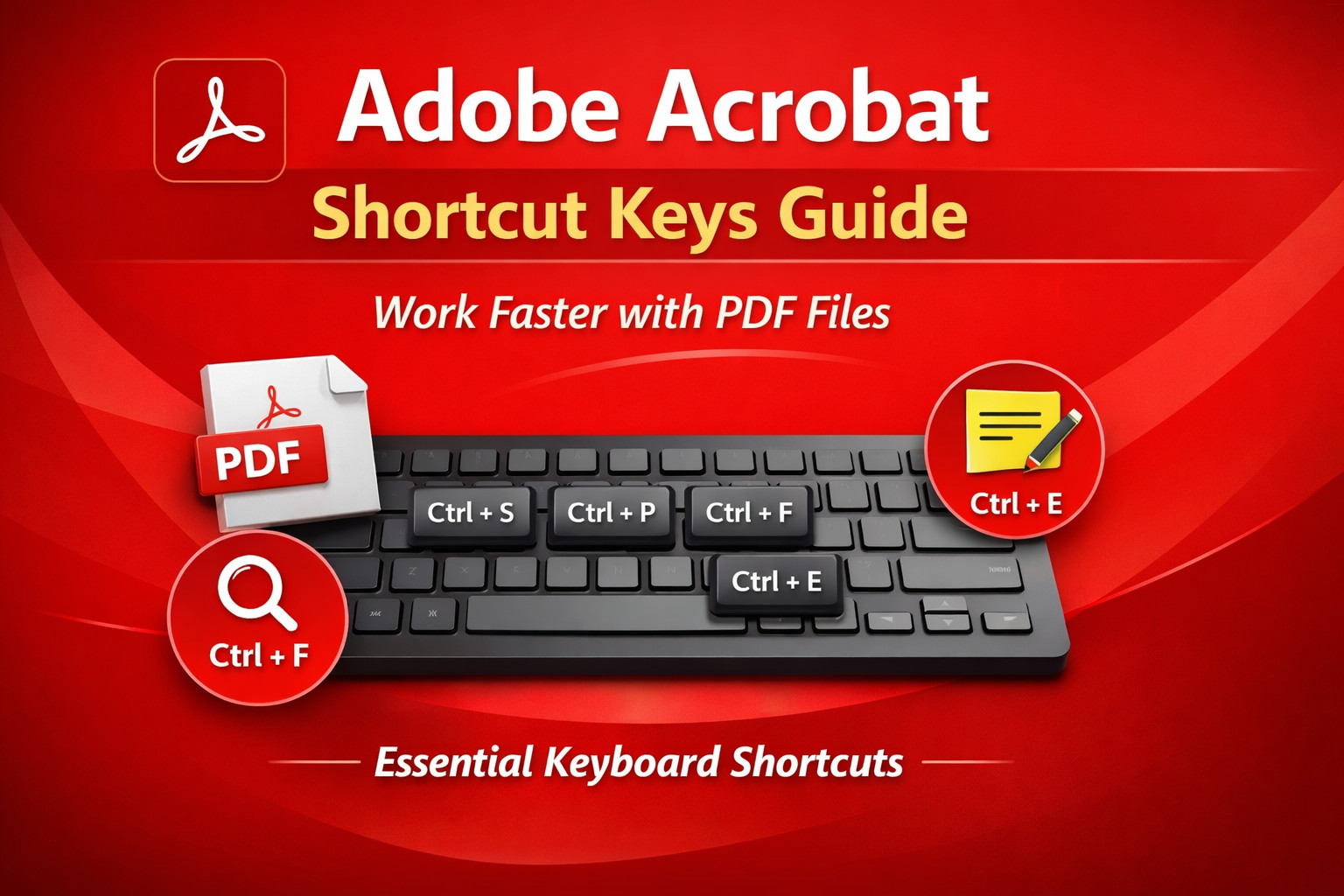
If you regularly work with PDF files, learning Adobe Acrobat shortcut keys can save a lot of time. Instead of navigating through menus, you can perform tasks instantly using simple keyboard combinations. Whether you are editing PDFs, adding comments, or organizing pages, shortcuts make your workflow faster and more efficient.
Adobe Acrobat is one of the most popular tools for creating, editing, signing, and managing PDF documents. Many professionals, students, and businesses use it daily. Knowing the most useful shortcut keys will help you boost productivity and work like a pro.
This guide lists the most important Adobe Acrobat keyboard shortcuts for Windows users.adobe illustrator tips adobe photoshop guide Adobe InDesign shortcuts
Basic Adobe Acrobat Shortcut Keys
| Shortcut Key | Function |
|---|---|
| Ctrl + O | Open a PDF file |
| Ctrl + S | Save the current file |
| Ctrl + P | Print the document |
| Ctrl + W | Close the current PDF |
| Ctrl + N | Create a new PDF |
| Ctrl + F | Find text in a document |
| Ctrl + H | Open advanced search |
| Ctrl + Q | Exit Adobe Acrobat |
Navigation Shortcut Keys
| Shortcut Key | Function |
|---|---|
| Page Up | Go to the previous page |
| Page Down | Go to the next page |
| Home | Go to the first page |
| End | Go to the last page |
| Ctrl + G | Go to a specific page |
| Ctrl + L | Enter full-screen mode |
These shortcuts help you move quickly through large PDF files.
Comment & Annotation Shortcuts
| Shortcut Key | Function |
|---|---|
| Ctrl + E | Show comment toolbar |
| Ctrl + 6 | Add sticky note |
| Ctrl + 8 | Highlight text |
| Ctrl + Shift + 8 | Underline text |
| Ctrl + Shift + 6 | Strikethrough text |
Annotation shortcuts are very useful when reviewing documents.
Editing Shortcut Keys
| Shortcut Key | Function |
|---|---|
| Ctrl + C | Copy selected text |
| Ctrl + V | Paste content |
| Ctrl + X | Cut text |
| Ctrl + Z | Undo last action |
| Ctrl + Y | Redo action |
| Delete | Remove selected item |
These are common shortcuts used across many applications including Adobe Photoshop, Adobe Illustrator, and Adobe InDesign.
Zoom Shortcut Keys
| Shortcut Key | Function |
|---|---|
| Ctrl + + | Zoom in |
| Ctrl + – | Zoom out |
| Ctrl + 0 | Fit page to screen |
| Ctrl + 1 | Actual size (100%) |
Zoom shortcuts make reading and editing PDFs easier.
Why Use Adobe Acrobat Shortcut Keys?
Using keyboard shortcuts offers many benefits:
- 🚀 Faster workflow
- ⌨️ Less reliance on mouse navigation
- 📄 Quick document editing
- 💼 Increased productivity for professionals
- 🎯 Efficient handling of large PDF files
If you work with PDFs every day, learning just a few shortcuts can significantly improve your efficiency.
Helpful External Resources
You can also explore official guides and tutorials here:
- Official Adobe Guide: https://helpx.adobe.com/acrobat/using/keyboard-shortcuts.html
- Learn more about PDF standards: https://www.adobe.com/acrobat/about-adobe-pdf.html
- PDF accessibility guide by World Wide Web Consortium: https://www.w3.org/WAI/
These resources provide deeper insights into PDF tools and features.
Final Thoughts
Mastering Adobe Acrobat shortcut keys is a simple but powerful way to improve productivity. Instead of clicking through multiple menus, you can complete tasks instantly with a few keystrokes. Whether you are a student, office worker, or designer, these shortcuts will help you manage PDF files quickly and efficiently.
Start practicing these shortcuts today and take full advantage of **Adobe Acrobat for faster document management.