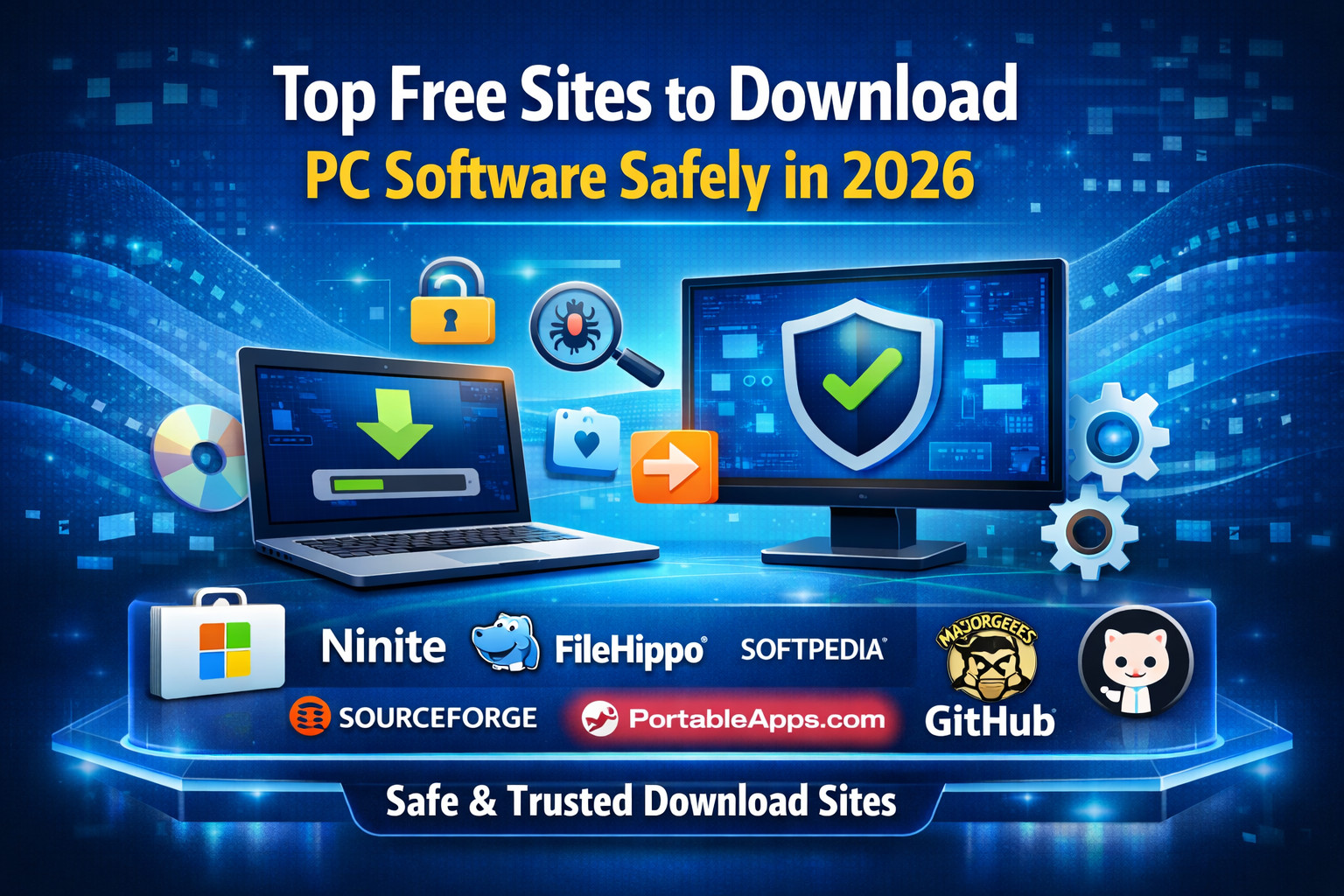
Top Free Sites to Download PC Software Safely
Downloading PC software from trusted websites is very important. Many fake download sites bundle malware, unwanted toolbars, or outdated installers. The safest choice is always the official developer website, but there are also trusted software libraries that make downloading easy, fast, and secure. Security experts consistently recommend using reputable sources like Microsoft Store, Ninite, and well-known software repositories.
1) Microsoft Store
The Microsoft Store is one of the safest places for Windows users. Apps are verified, sandboxed, and updated automatically by Microsoft. It is perfect for browsers, productivity tools, utilities, and media apps.
2) Ninite
Ninite is best for installing multiple free apps at once. It automatically skips bundled offers, toolbars, and unwanted software. This makes it ideal for setting up a new PC quickly with trusted essentials like Chrome, VLC, Zoom, and 7-Zip.
3) FileHippo
FileHippo is popular for clean downloads, older software versions, and frequent updates. Its simple design makes it mobile-friendly and easy to browse. It also lists software categories clearly for Windows users.
4) Softpedia
Softpedia offers one of the largest libraries of free and trial PC software. It includes detailed reviews, version history, screenshots, and user ratings, which helps users choose the right application.
5) MajorGeeks
MajorGeeks is a trusted classic site known for carefully tested freeware and utilities. It is highly recommended for system tools, antivirus, PC repair, and optimization software.
6) SourceForge
If you love open-source software, SourceForge is an excellent platform. It hosts thousands of trusted projects including development tools, security software, and productivity apps.
7) PortableApps
PortableApps is perfect when you want software that runs directly from a USB drive without installation. It is useful for students, office work, and portable troubleshooting tools.
8) GitHub
For developers and advanced users, GitHub is a great place to download open-source PC tools directly from the original creators. Many modern utilities and AI tools are first released here.
Tips for Safe Software Downloads
- Always prefer the official website
- Avoid fake “Download Now” ads
- Check software version and update date
- Scan files with antivirus before opening
- Avoid cracked or pirated software websites
- Use trusted repositories only
Useful Outbound Links for Trusted Software Downloads
- Microsoft Store – Official Microsoft app and software downloads
- Ninite – Bulk install multiple trusted PC apps
- FileHippo – Popular Windows freeware downloads
- SourceForge – Open-source software repository
- PortableApps – Portable software for USB and PC
- GitHub – Developer tools and open-source apps
- VirusTotal – Scan downloaded files before installing
- Microsoft Windows Support – Official Windows help and software troubleshooting
visite for more tools