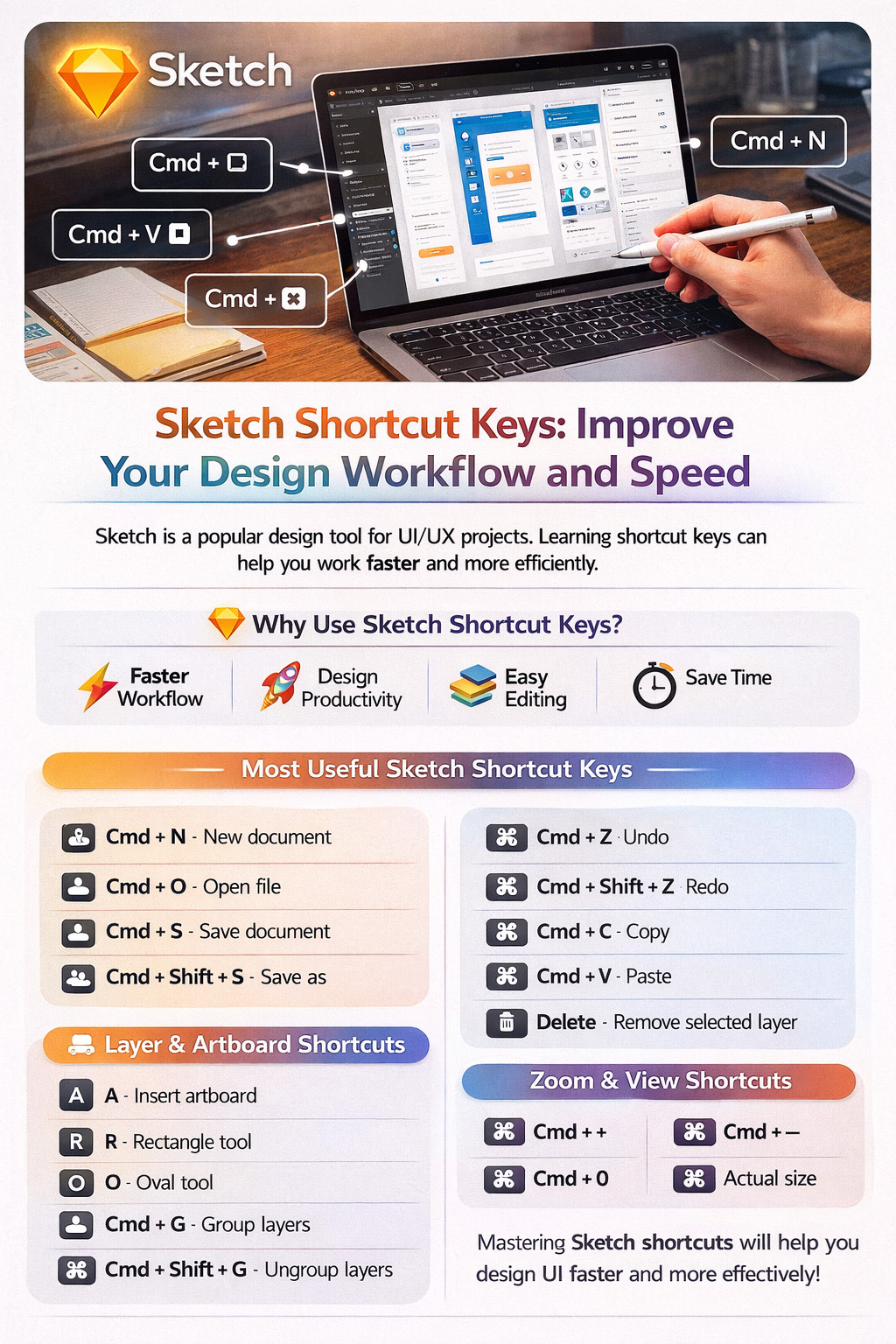
Sketch Shortcut Keys: Improve Your Design Workflow and Speed
Sketch Shortcut Keys: Improve Your Design Workflow and Speed
Sketch is one of the most popular UI/UX design tools used by web designers, app developers, and creative professionals. It is widely known for designing websites, mobile app interfaces, wireframes, and prototypes. Learning Sketch shortcut keys can help you design faster, work smarter, and improve productivity.
Whether you are a beginner or a professional designer, using keyboard shortcuts in Sketch reduces time spent on menus and helps maintain focus on your creative workflow.
Why Use Sketch Shortcut Keys?
Shortcut keys are essential for speeding up repetitive tasks in Sketch. They allow designers to quickly access tools, edit layers, and manage artboards with ease.
Benefits of Using Shortcut Keys
- Faster design workflow
- Better productivity
- Easy layer management
- Quick editing and alignment
- Improved focus and efficiency
- Professional UI/UX workflow
For mobile-friendly and responsive design projects, these shortcuts are especially useful.
Most Useful Sketch Shortcut Keys
Here are some of the most commonly used Sketch keyboard shortcuts:
- Cmd + N – New document
- Cmd + O – Open file
- Cmd + S – Save document
- Cmd + Shift + S – Save as
- Cmd + Z – Undo
- Cmd + Shift + Z – Redo
- Cmd + C – Copy
- Cmd + V – Paste
- Delete – Remove selected layer
These shortcuts help save time during daily design tasks.
Layer and Artboard Shortcuts
Layer management is one of the most important parts of Sketch design workflow.
- A – Insert artboard
- R – Rectangle tool
- O – Oval tool
- T – Text tool
- L – Line tool
- Cmd + G – Group layers
- Cmd + Shift + G – Ungroup layers
- Cmd + D – Duplicate layer
These shortcuts are commonly used for interface and web design projects.
Zoom and View Shortcuts
Navigation shortcuts help you move around your design workspace smoothly:
- Cmd + Plus (+) – Zoom in
- Cmd + Minus (-) – Zoom out
- Cmd + 0 – Fit canvas to screen
- Cmd + 1 – Actual size
These are helpful when working on responsive mobile layouts and detailed UI elements.
Final Thoughts
Learning Sketch shortcut keys is essential for improving your workflow as a UI/UX or web designer. These commands help save time, improve speed, and create a more professional design process.
Using these shortcuts daily will significantly increase your efficiency and make designing websites and mobile apps much easier.